%20suggest%20a%20game%20in%20play.%20Palette%20matches%20the%20product%20design%20tokens:%20sky%20500/600%20(%234E97CC/%2335789F),%20sky%20700%20(%232C617F),%20apricot%20accent%20(%23E8935E),%20warm%20white%20(%23FDFCF8).%20--%3e%3cdefs%3e%3clinearGradient%20id='bgc-table-top'%20x1='32'%20y1='6'%20x2='32'%20y2='58'%20gradientUnits='userSpaceOnUse'%3e%3cstop%20offset='0'%20stop-color='%234E97CC'/%3e%3cstop%20offset='1'%20stop-color='%2335789F'/%3e%3c/linearGradient%3e%3c/defs%3e%3c!--%20table%20depth%20--%3e%3crect%20x='13'%20y='17'%20width='38'%20height='38'%20rx='9'%20transform='rotate(45%2032%2036)'%20fill='%232C617F'/%3e%3c!--%20tabletop%20--%3e%3crect%20x='13'%20y='13'%20width='38'%20height='38'%20rx='9'%20transform='rotate(45%2032%2032)'%20fill='url(%23bgc-table-top)'/%3e%3c!--%20token%20pips%20--%3e%3ccircle%20cx='32'%20cy='23.5'%20r='5'%20fill='%23E8935E'/%3e%3ccircle%20cx='23.5'%20cy='35'%20r='5'%20fill='%23FDFCF8'/%3e%3ccircle%20cx='40.5'%20cy='35'%20r='5'%20fill='%23FDFCF8'/%3e%3c/svg%3e)
Turn your board game idea into a playable 3D tabletop.
Build your components, set up a 3D table with cards, dice, and tokens, then invite friends to playtest online — no printing, no installs, all from your browser.
Free to start · No install · No printing
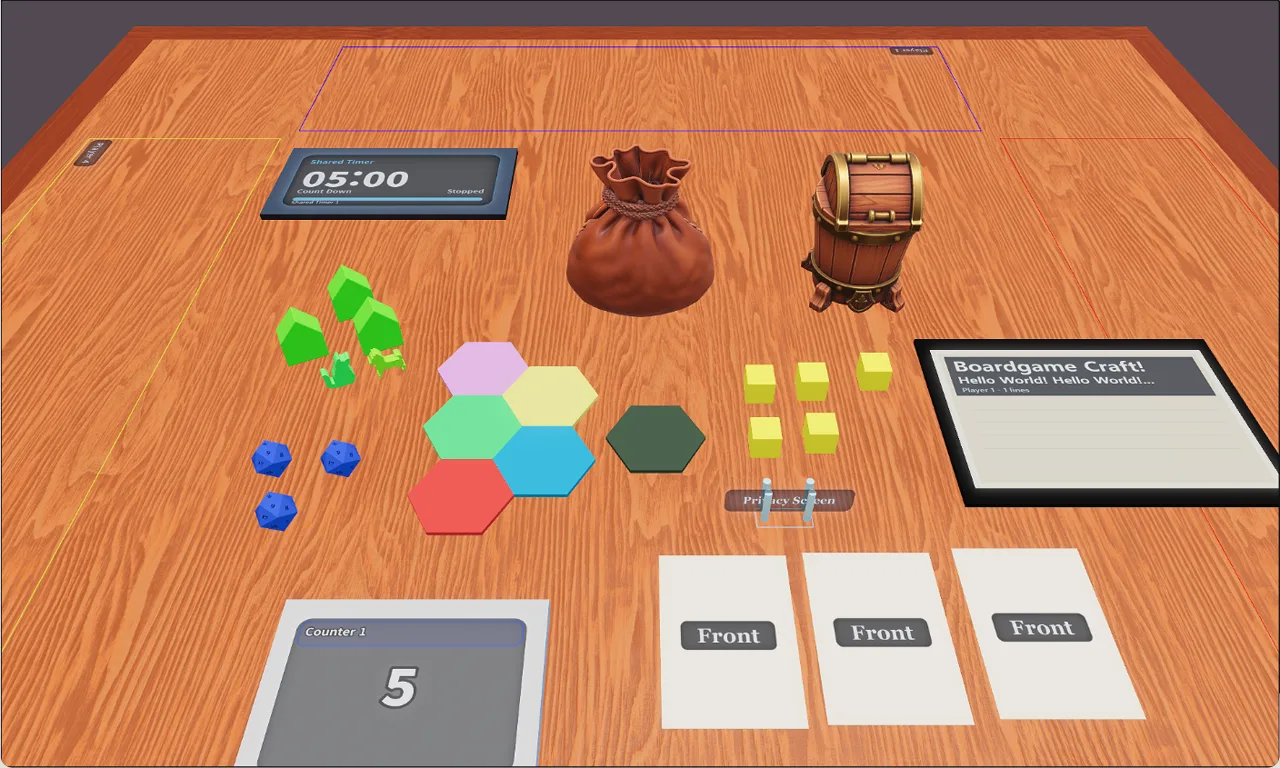
From idea to playtest in five steps
Boardgame Craft takes you all the way from a blank table to a game your friends can actually play.
- Step 1
Start with your idea
Create a new game and give your prototype a home — no setup or tooling required.
- Step 2
Build your components
Add boards, cards, decks, dice, tokens and zones from a ready-made library.
- Step 3
Set up your 3D table
Arrange everything on a real 3D tabletop and save the exact setup you want to test.
- Step 4
Invite others
Share a link and your playtesters join the same live table in seconds.
- Step 5
Playtest online
Play together in the browser, spot what works, and iterate on your design faster.
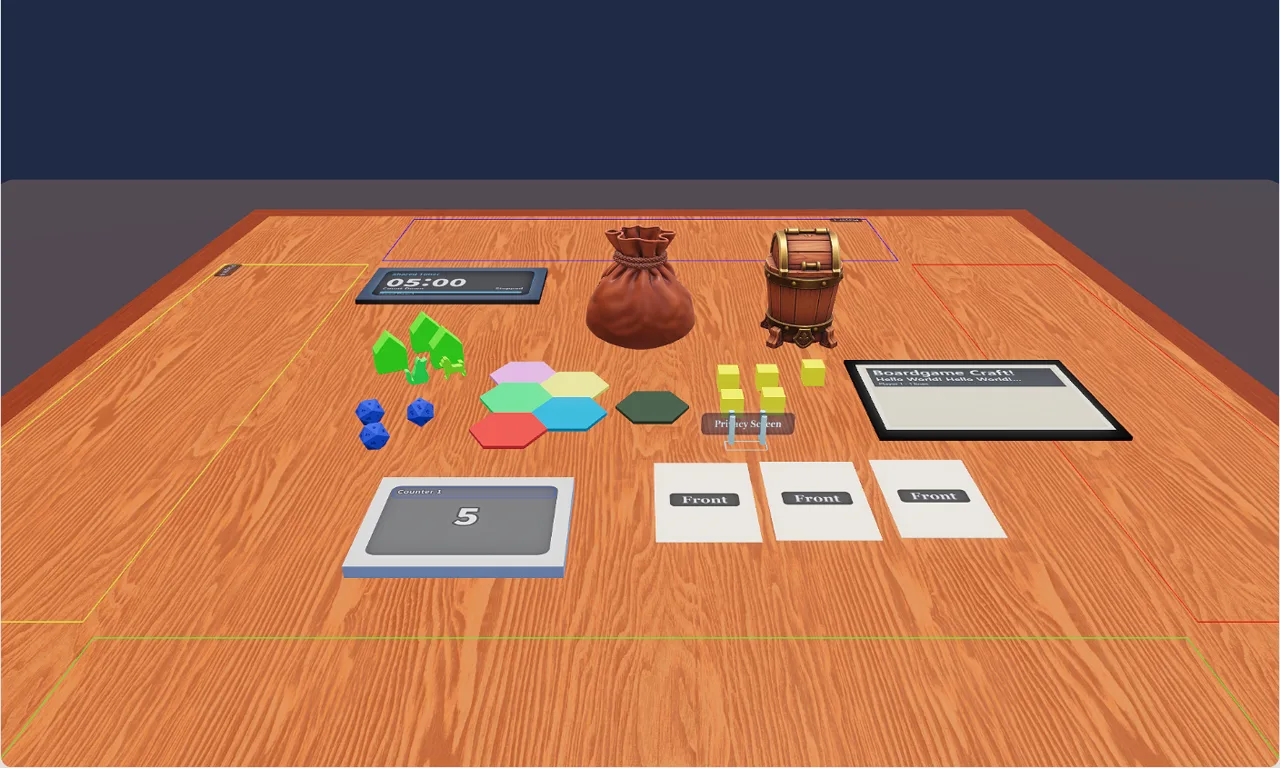
A real 3D tabletop for your prototype
Set up your game the way it should be played. Boardgame Craft gives you a proper 3D table where every component behaves like the real thing — then share it and play together online.
- Drag boards, cards, decks, dice, tokens and zones onto a real 3D table
- Fine-tune position, transform and appearance for every piece
- Define hand zones and custom zones for structured play
- Save your table setup and reopen it exactly as you left it
- Invite others to the same table and playtest together, live
Everything you need to make it your own
Go beyond the basics with tools for building custom pieces and reusing what the community has already made.
3D Item Studio
Turn an image or a short description into a simulator-ready 3D asset, then drop it straight onto your table.
Open the Studio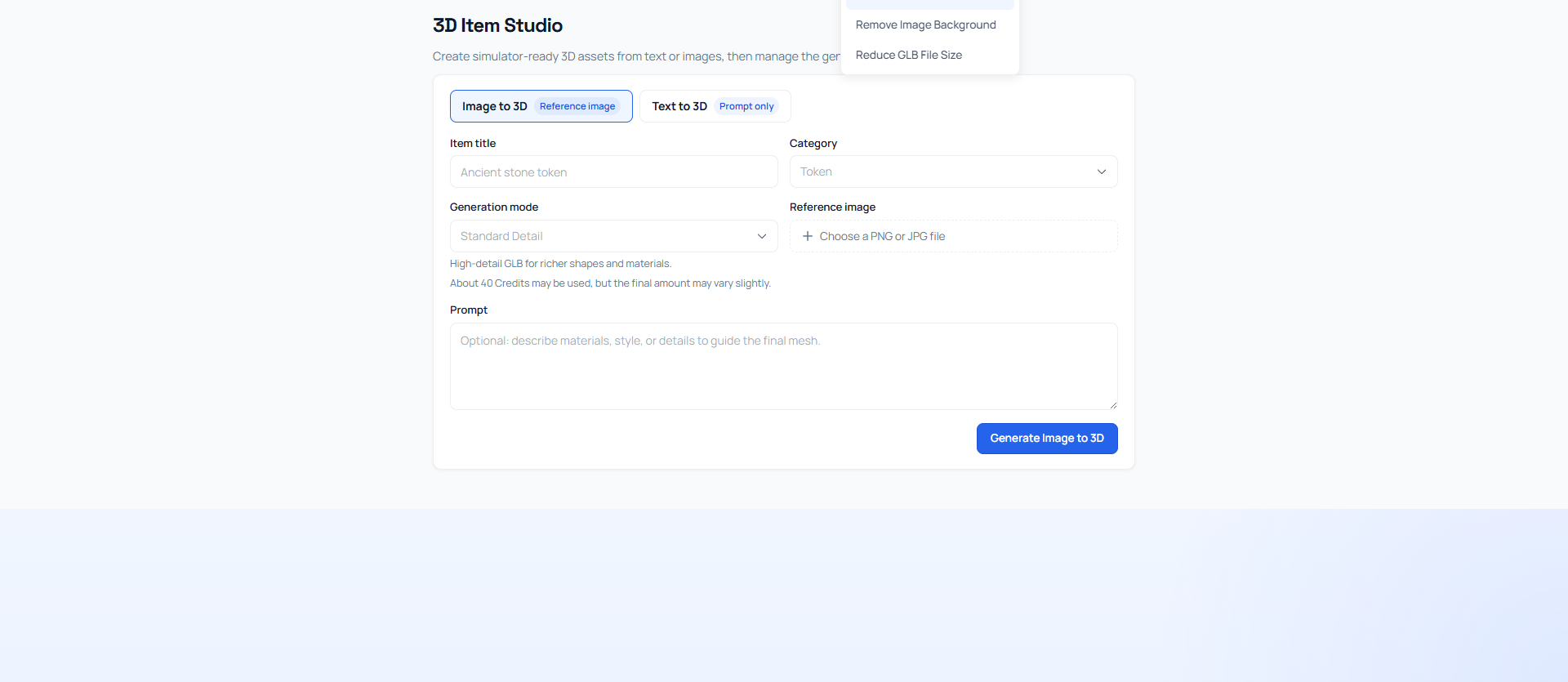
Marketplace
Browse and reuse assets shared by other creators, or publish your own pieces for the community to build with.
Browse assets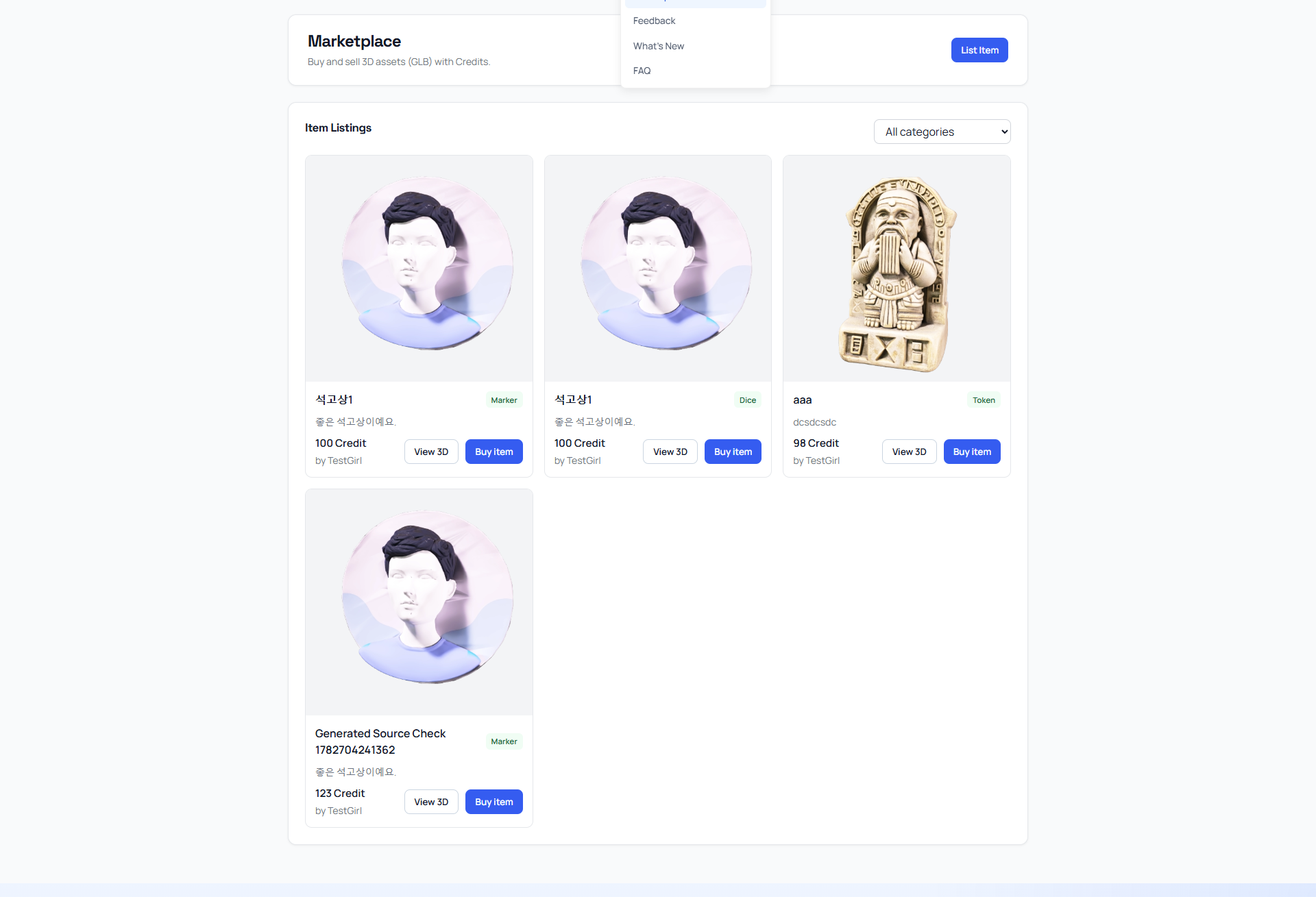
Bring your board game idea to the table
Create your first game, set up a 3D table, and invite friends to playtest — all in your browser.
Free to start · No install · No printing