%20suggest%20a%20game%20in%20play.%20Palette%20matches%20the%20product%20design%20tokens:%20sky%20500/600%20(%234E97CC/%2335789F),%20sky%20700%20(%232C617F),%20apricot%20accent%20(%23E8935E),%20warm%20white%20(%23FDFCF8).%20--%3e%3cdefs%3e%3clinearGradient%20id='bgc-table-top'%20x1='32'%20y1='6'%20x2='32'%20y2='58'%20gradientUnits='userSpaceOnUse'%3e%3cstop%20offset='0'%20stop-color='%234E97CC'/%3e%3cstop%20offset='1'%20stop-color='%2335789F'/%3e%3c/linearGradient%3e%3c/defs%3e%3c!--%20table%20depth%20--%3e%3crect%20x='13'%20y='17'%20width='38'%20height='38'%20rx='9'%20transform='rotate(45%2032%2036)'%20fill='%232C617F'/%3e%3c!--%20tabletop%20--%3e%3crect%20x='13'%20y='13'%20width='38'%20height='38'%20rx='9'%20transform='rotate(45%2032%2032)'%20fill='url(%23bgc-table-top)'/%3e%3c!--%20token%20pips%20--%3e%3ccircle%20cx='32'%20cy='23.5'%20r='5'%20fill='%23E8935E'/%3e%3ccircle%20cx='23.5'%20cy='35'%20r='5'%20fill='%23FDFCF8'/%3e%3ccircle%20cx='40.5'%20cy='35'%20r='5'%20fill='%23FDFCF8'/%3e%3c/svg%3e)
Card Deck Editor
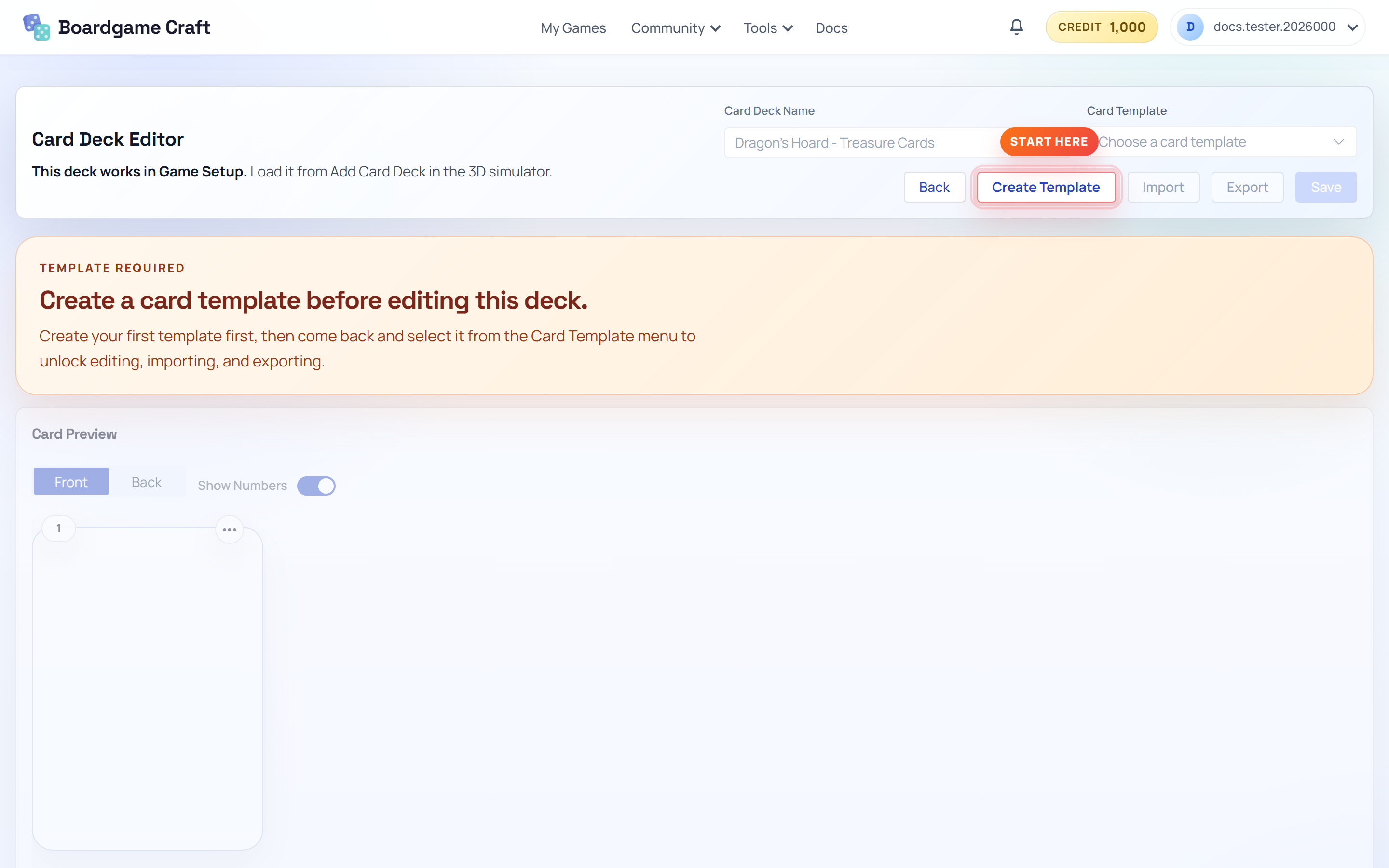
The Card Deck Editor is where your card data lives. It works like a spreadsheet: every row is a card, every column is a field.
What is the Card Deck Editor?
Think of it as the brain of your deck. Card names, costs, effects, image links — all of it sits in one spreadsheet. The design (how cards look) lives separately in the Template Editor, and the two connect through field links.
Because data and design are separate, you can change your card layout without retyping any card text — and you can add a hundred cards without touching the design.
Guides in this section
- Getting Started — create a deck, edit rows and columns, and import CSV or Excel files.
- Editing and Export — link template fields, preview your cards, generate AI artwork, and export images or PDFs.
How it connects to the rest of the app
- Template Editor supplies the visual layout your deck uses for previews and exports.
- Exports (PNG, JPG, PDF) let you print cards or share them for review.