%20suggest%20a%20game%20in%20play.%20Palette%20matches%20the%20product%20design%20tokens:%20sky%20500/600%20(%234E97CC/%2335789F),%20sky%20700%20(%232C617F),%20apricot%20accent%20(%23E8935E),%20warm%20white%20(%23FDFCF8).%20--%3e%3cdefs%3e%3clinearGradient%20id='bgc-table-top'%20x1='32'%20y1='6'%20x2='32'%20y2='58'%20gradientUnits='userSpaceOnUse'%3e%3cstop%20offset='0'%20stop-color='%234E97CC'/%3e%3cstop%20offset='1'%20stop-color='%2335789F'/%3e%3c/linearGradient%3e%3c/defs%3e%3c!--%20table%20depth%20--%3e%3crect%20x='13'%20y='17'%20width='38'%20height='38'%20rx='9'%20transform='rotate(45%2032%2036)'%20fill='%232C617F'/%3e%3c!--%20tabletop%20--%3e%3crect%20x='13'%20y='13'%20width='38'%20height='38'%20rx='9'%20transform='rotate(45%2032%2032)'%20fill='url(%23bgc-table-top)'/%3e%3c!--%20token%20pips%20--%3e%3ccircle%20cx='32'%20cy='23.5'%20r='5'%20fill='%23E8935E'/%3e%3ccircle%20cx='23.5'%20cy='35'%20r='5'%20fill='%23FDFCF8'/%3e%3ccircle%20cx='40.5'%20cy='35'%20r='5'%20fill='%23FDFCF8'/%3e%3c/svg%3e)
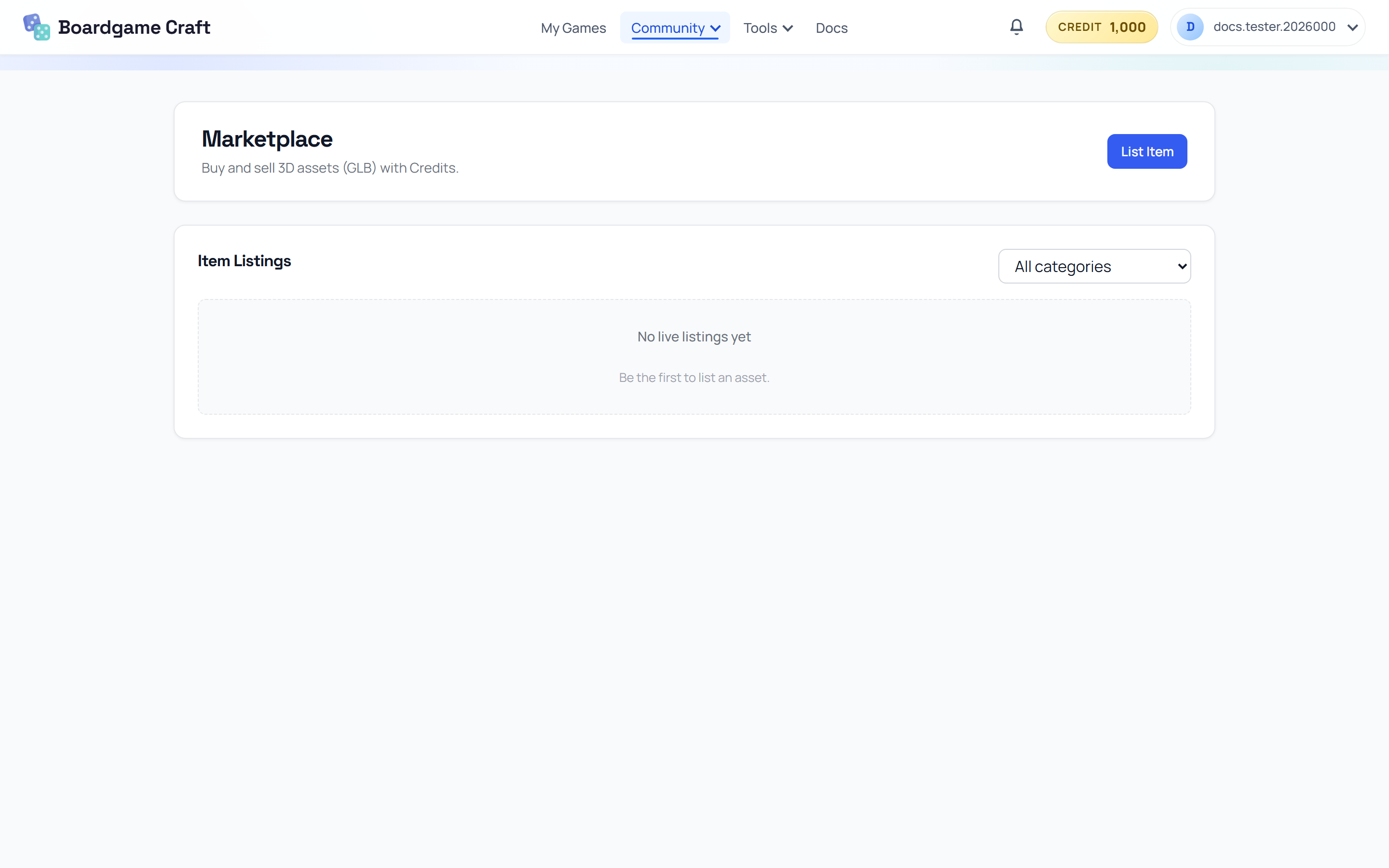
Marketplace
Buy and sell 3D game assets (GLB files) with Credits — dice, tokens, boards, and table cosmetics made by other creators.
What's on the Marketplace?
Creator-made 3D assets, sorted into categories: Dice, Token, Tile, Marker, Board, Table Cosmetics, Floor Cosmetics, and Table Texture. Use the category filter to browse, or pick All categories to see everything.
Buying an item
- Sign in (the Marketplace requires an account).
- Browse or filter to find an item you like.
- Buy it with Credits — the price is deducted from your balance.
Purchased items appear in My Dashboard → My Items → Purchased, and in the simulator's item inventory — click Cosmetics in the spawn panel and open the Purchased tab to place them on your table.
Selling your own items
- Click List Item at the top of the Marketplace.
- Fill in the listing:
- Title — e.g. Ancient stone token set.
- Category — where buyers will find it.
- Price — in Credits.
- Description — how the asset fits into a board game table.
- Thumbnail image and the GLB file itself.
- Submit — your item goes live in the Marketplace.
When someone buys your item, the Credits go to your balance — currently with no marketplace fee, so you keep the full price.
Where do sellable items come from?
- 3D models you made in the 3D Item Studio.
- GLB files you created in other 3D tools and uploaded.
Big GLB files load slowly for buyers. Run them through the Reduce GLB File Size tool (in the Tools menu) before listing — smaller files make happier customers.